Scheduled backups for PostgreSQL and MySQL
EnVault is a free, self-hosted tool for backing up PostgreSQL and MySQL, with scheduled backups in your own Cloudflare R2 bucket. It brings that real data into your development and QA databases without risking production.
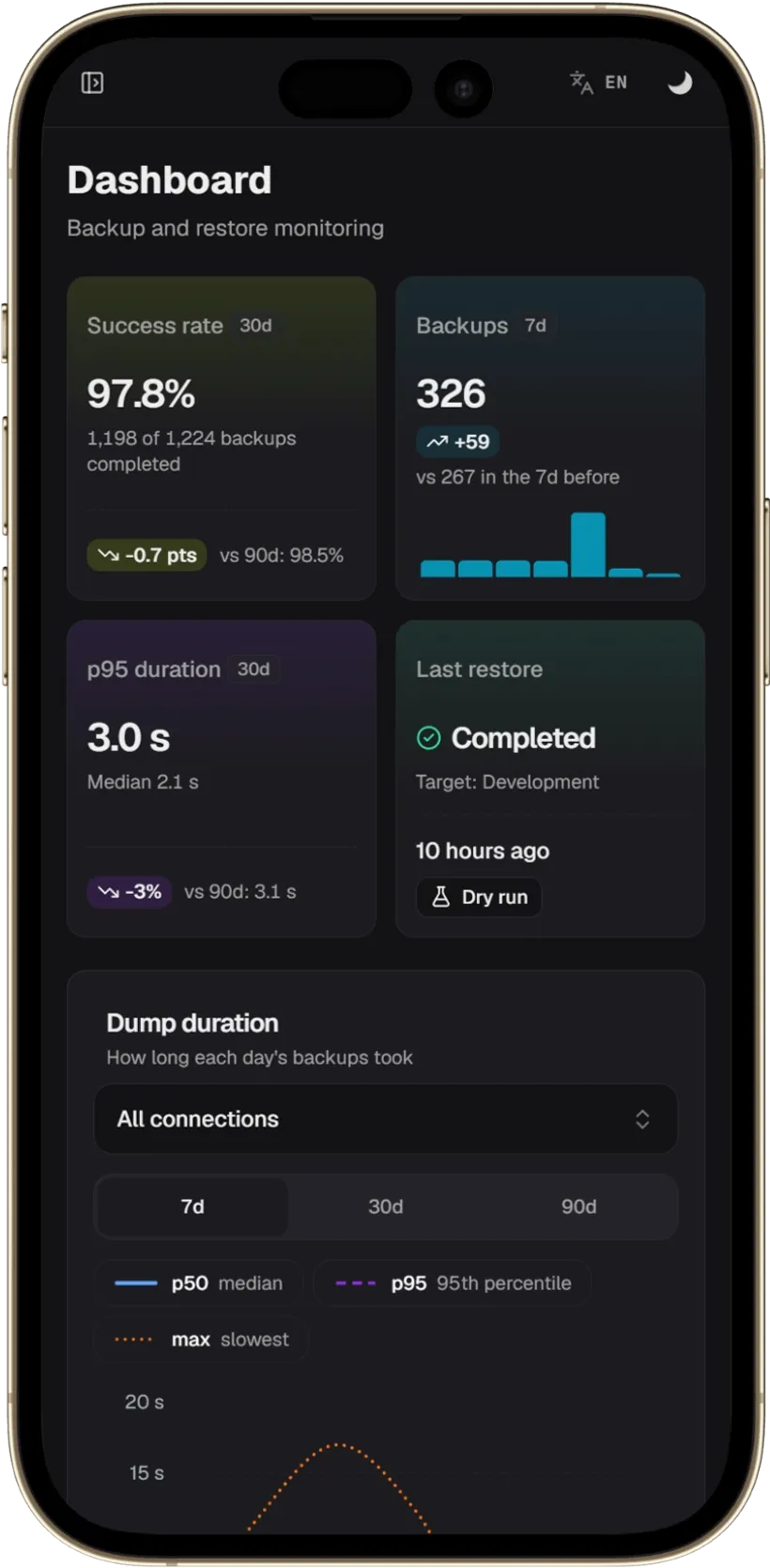
Sample data
Backups that just work, without the babysitting
No more scripts to babysit or manual checklists before every restore. EnVault handles your database backups from start to finish, so nothing gets lost.
Fair Source (FSL-1.1)
Free for internal use in companies and startups of any size. No competing commercial offerings, transitioning to Apache 2.0 two years after release.
Watch every restore happen live
See exactly what's happening while a restore runs, right in your browser via real-time SSE events. No refreshing the page or wondering if it's still working.
A record nobody can quietly change
Every backup, download, setting change, and restore gets logged automatically. That record cannot be edited or deleted afterward, not even by an administrator.
Backups on autopilot, even if you scale up
Set the schedule you want, hourly, daily, weekly, or custom cron, and forget about it. Distributed locking ensures only one server performs the dump even in multi-instance setups.
Your backups live safely in the cloud
Every backup streams straight to Cloudflare R2 or S3-compatible storage. Nothing sits on a local disk where it could get lost, and old backups clean themselves up according to your retention rules.
How to back up PostgreSQL and MySQL
EnVault automates your backup lifecycle in 4 straightforward steps. Register your credentials, set your schedule, and restore into safe environments with schema simulation.
Register your database
Provide connection credentials for your PostgreSQL or MySQL database and assign its environment. Production (PROD) connections remain immutable and read-only to prevent accidental overrides.
 PostgreSQL
 MySQL
Schedule automatic backups
Choose the timing that fits your traffic, daily at off-peak hours, weekly, or with a custom cron expression. Distributed locking guarantees only one worker runs the backup at a time.
Runs every night at 02:00 UTC. Distributed lock prevents duplicate executions across multiple API nodes.
Direct storage to Cloudflare R2
Dumps stream directly to your Cloudflare R2 or S3-compatible bucket via multipart upload. Nothing is written to EnVault’s local disk, and aging files purge automatically according to your retention policy.
 Cloudflare R2 Bucketpg_dump stdoutR2 Multipart
Restore to Dev or QA with Dry Run
Never restore blindly. Dry Run compares source and target schemas, highlights row differences, lets you exclude tables, and blocks direct writes to production.
How to install?
Deploy EnVault in minutes on your own infrastructure, locally or in the cloud. Full sovereignty over your database assets.
Linux (Ubuntu, Debian, Arch, CentOS)
Download the official compose stack and start all containers in the background with Docker Engine.
sudo apt-get install -y curl
sudo curl -fSL https://raw.githubusercontent.com/Aisaac2205/envault/main/docker-compose.yml -o docker-compose.yml
sudo docker compose up -dStart backing up your databases the easy way
Run it wherever you want, your own servers, your cloud, or a managed platform. It works with PostgreSQL and MySQL, and your data never has to leave your infrastructure.